
The multi-dwelling fibre survey checklist.
What to check, measure and photograph when you survey a block of flats for fibre, so the build team has the details it needs before arriving on site.
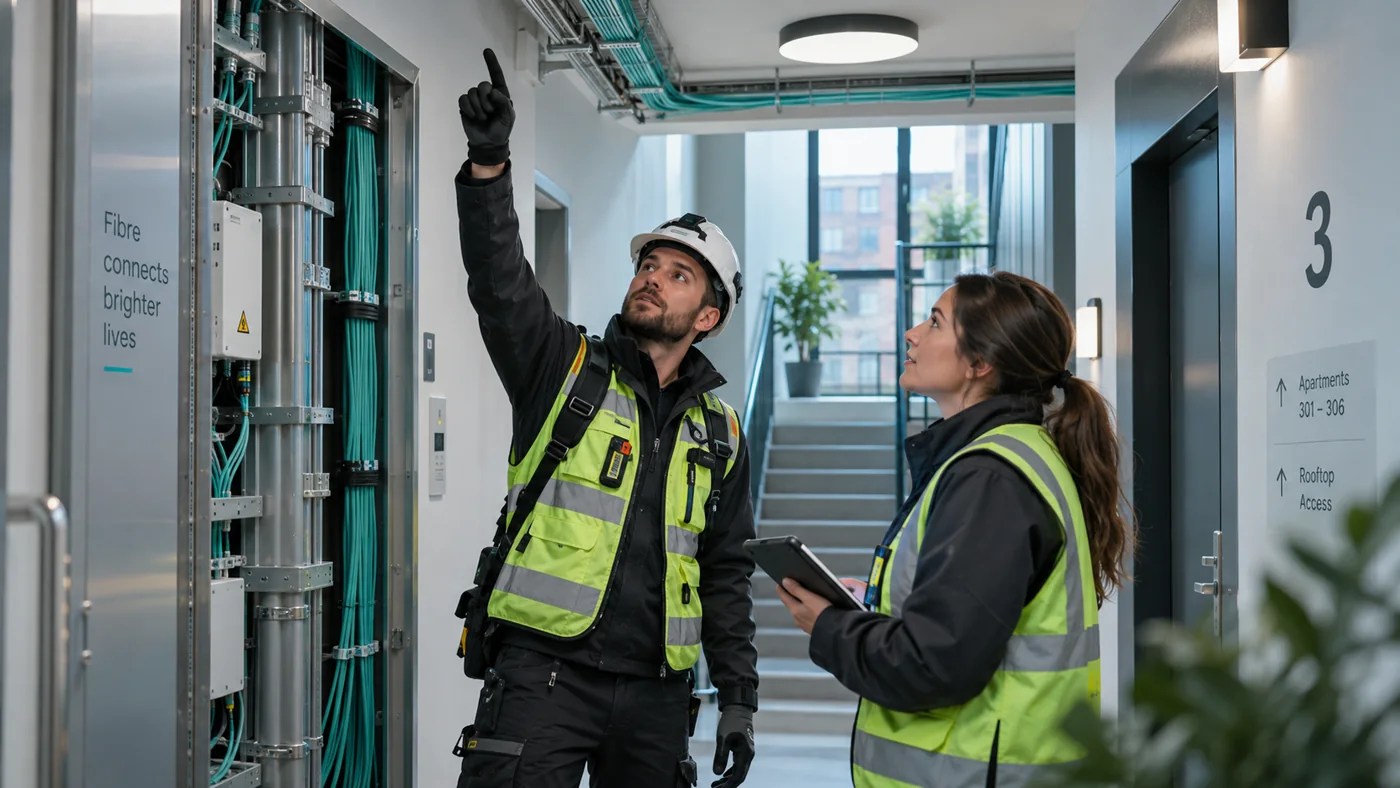
Why the survey matters
In a block of flats, the survey is the plan. Every return visit means another round of arranging access with a landlord, managing agent or caretaker, and every missed detail turns into a delay on build day. This checklist is vendor-neutral and based on common practice. Adapt it to your own network standards, your client's requirements and local regulations.
Before you go
- Confirm who owns and manages the building, and who can grant access to communal areas, plant rooms, roof and loft spaces.
- Check that any access or wayleave agreement covers the survey and the work you're planning.
- Get the building's address list and the expected number of flats per floor.
- Ask for existing drawings, previous survey records and the asbestos register (see hazards below).
- Arrange keys, fobs or an escort, and confirm the time window you'll have on site.
- Check whether the building is listed or in a conservation area, which can limit fixings and external routes.
- Charge your devices and bring a torch, a ladder suitable for risers and ceiling voids, and PPE.
Access and permissions on site
- Record who met you and what they allowed you to see.
- Note any areas you couldn't reach and why, so the gap is visible in the survey rather than discovered later.
- Note restrictions the building manager mentions: working hours, noise, parking, fire doors that must stay closed.
- Ask about planned works, such as cladding, redecoration or lift replacement, that could affect routes or timing.
Entry point
- Locate where the network will enter the building: existing duct, wall entry or overhead drop.
- Record the condition of existing ducts and whether they're blocked or already full.
- Measure the distance from the entry point to the proposed main distribution location.
- Note any fire-stopping that will need to be made good after cabling.
Equipment locations
- Identify where the main building distribution equipment will go: plant room, cupboard, basement or communal wall.
- Check available space, wall construction, fixing points, ventilation, and any risk of water or damage.
- Check the location is accessible to engineers without entering a flat.
- Identify locations for floor-level distribution points if your design uses them.
- Note power availability if active equipment is planned.
Riser and routes
- Find the vertical route: a communal riser, service cupboard, stairwell, lift shaft void (only where permitted) or external route.
- Record the riser's position on each floor and whether it's continuous from bottom to top.
- Check free space in existing containment and whether new trunking, tray or conduit will be needed.
- Trace the horizontal route on each floor from the riser to each flat's front door.
- Measure route lengths and floor-to-floor heights, and note bends that affect the fibre's minimum bend radius.
- Note walls and floors that need drilling, and their construction and fire rating.
- Record obstacles: other services, sealed ceilings, decorative finishes, communal areas that can't be disturbed.
Per-flat details
- Confirm the flat numbering on site against your address list, and note any flats that are missing, merged or split.
- For each flat, record the proposed entry point through the front door frame or wall, and where the socket will go inside.
- Note existing services in or near the flat that could be reused or must be avoided.
- Record whether each flat was accessed, not accessed, or refused, and whether it looked occupied.
- Note any flat-specific issues: unusual layouts, mezzanines, separate entrances, commercial units on the ground floor.
Photos to take
- The building exterior from each side, including the entry point.
- The existing duct or entry and any blockage.
- The proposed main equipment location, wide and close up.
- The riser or vertical route on every floor.
- The horizontal route on each floor, including where it turns.
- Each flat's front door area where the cable will enter.
- Any hazard, damage or obstruction you've recorded.
- Asbestos register labels or marked areas near the route.
Name or tag photos by floor and flat as you take them. A photo that can't be placed in the building is little help to the build team.
Hazards
- Check the asbestos register before drilling or disturbing any surface, and record which areas on your route it covers. If there's no register, or it doesn't cover your route, flag it rather than assuming.
- Note working-at-height needs for risers, ceiling voids and external routes.
- Note confined spaces, live electrical equipment in shared cupboards, and damp or water ingress.
- Record fire compartmentation and fire-stopping that will need to be maintained.
- Note anything that affects public safety in communal areas during the work.
Handover of the survey
- Produce a plan showing the entry point, equipment locations, riser and route to every flat, with measurements.
- List every flat with its survey status and any open issue.
- Attach the photos, organised by floor and flat.
- List what's needed before the build: permissions, asbestos surveys, containment, power, and who is responsible for each.
- Share the survey with the planner, the build team and the building manager in a format they can open without special software.
- Get the survey reviewed and signed off before build work is scheduled.
How Holoflow helps
Holoflow helps you organise the survey, plan and supporting photos in one building record. Scan the building with a supported iPhone or iPad with LiDAR, plan the riser, cabling and equipment on the 3D model, and track every floor and flat with its status and photos. Share the plan by review link, add custom fields for your own checks, and generate the handover report in your own Word template. See how the product works.
See how Holoflow works.
Book a 30-minute walkthrough of a real building survey, plan and handover report. Bring your questions and tell us how your team works.
Book a demo