Bring your building type.
A stairwell, apartment block or mixed layout gives the conversation a useful starting point.
 Holoflow.
Under BEAD, an apartment building is one location on the map but many homes inside it. Holoflow helps you plan the in-building work and keep a record for every unit.
The Broadband Equity, Access, and Deployment (BEAD) Program provides $42.45 billion to extend high-speed broadband across the United States, administered by the National Telecommunications and Information Administration (NTIA) through the states and territories (NTIA, BEAD Restructuring Policy Notice).
On the FCC's location map, a multi-dwelling unit (MDU) is a single Broadband Serviceable Location. NTIA's challenge process policy notice allows a state to accept a challenge to an MDU's classification on the basis that qualifying service is not available to every unit in the building, and lists "not offered at the location, including a unit of a multiple dwelling unit" as grounds. A building is not served just because fibre reaches the basement.
EducationSuperHighway describes unit-level connectivity for MDUs as a stipulation of the program, and points to the BEAD notice of funding opportunity, which lists infrastructure for multi-tenant buildings and Wi-Fi infrastructure within eligible multi-family residential buildings among eligible uses. Some states ask applicants to say whether they will run fibre to each unit, use another technology to each unit, or install building-wide Wi-Fi.
NTIA's June 2025 restructuring notice made subgrantee selection technology-neutral and removed the program's fibre preference. The unit-level question remains: whatever the technology, a building where some units can't get qualifying service can be challenged as not served, so it pays to know the status of every unit.
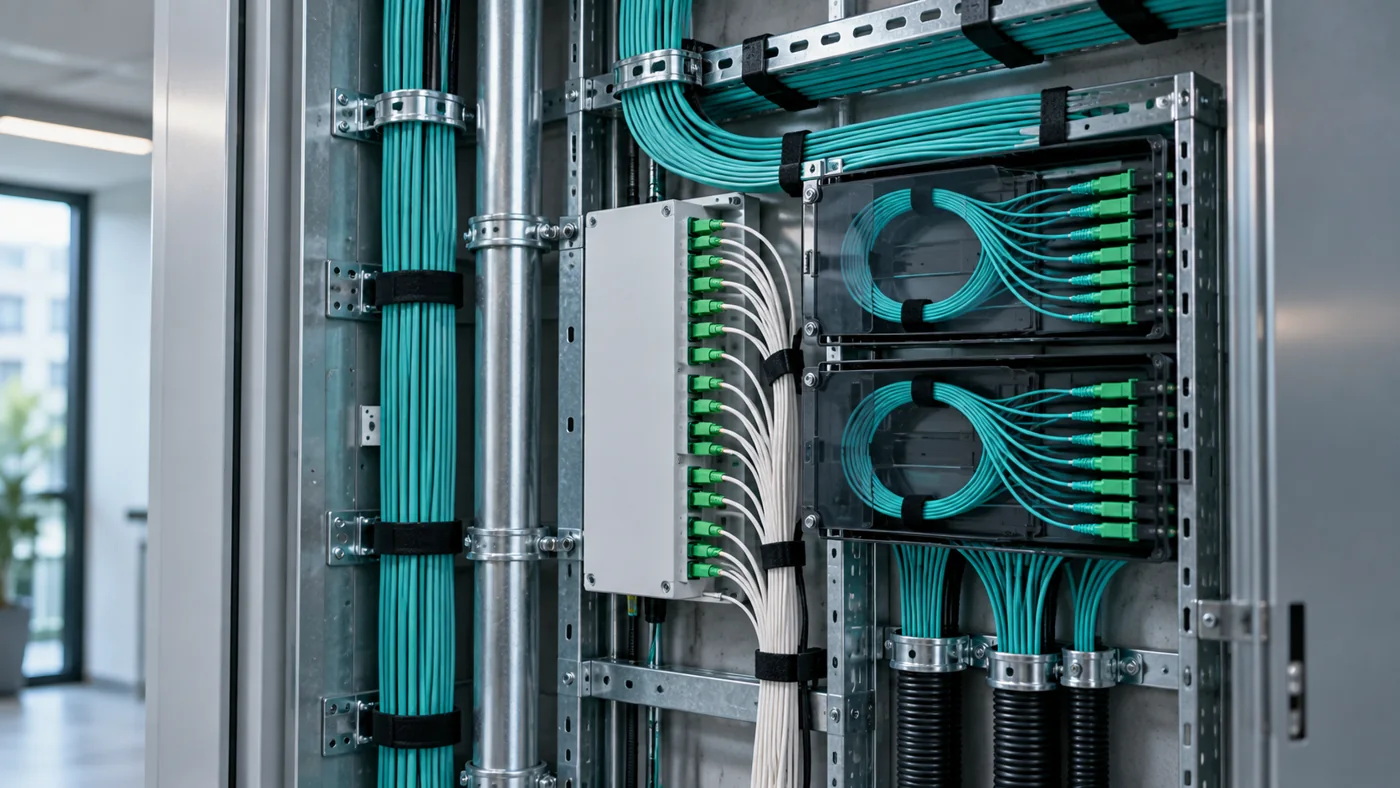
The entry point, the riser, the route on each floor and the equipment serving each unit.
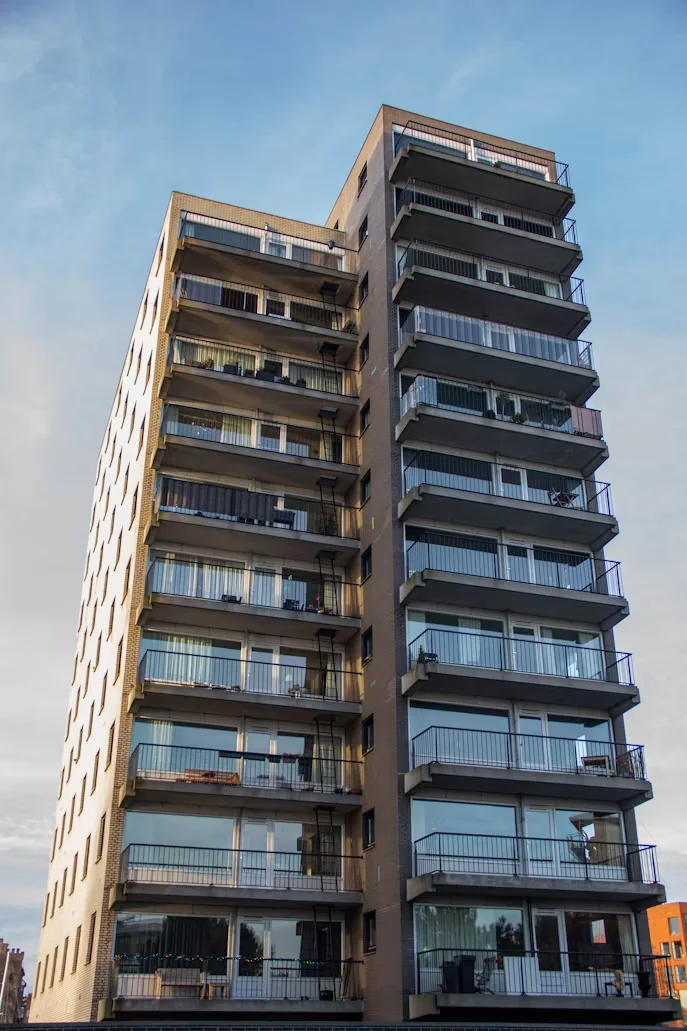
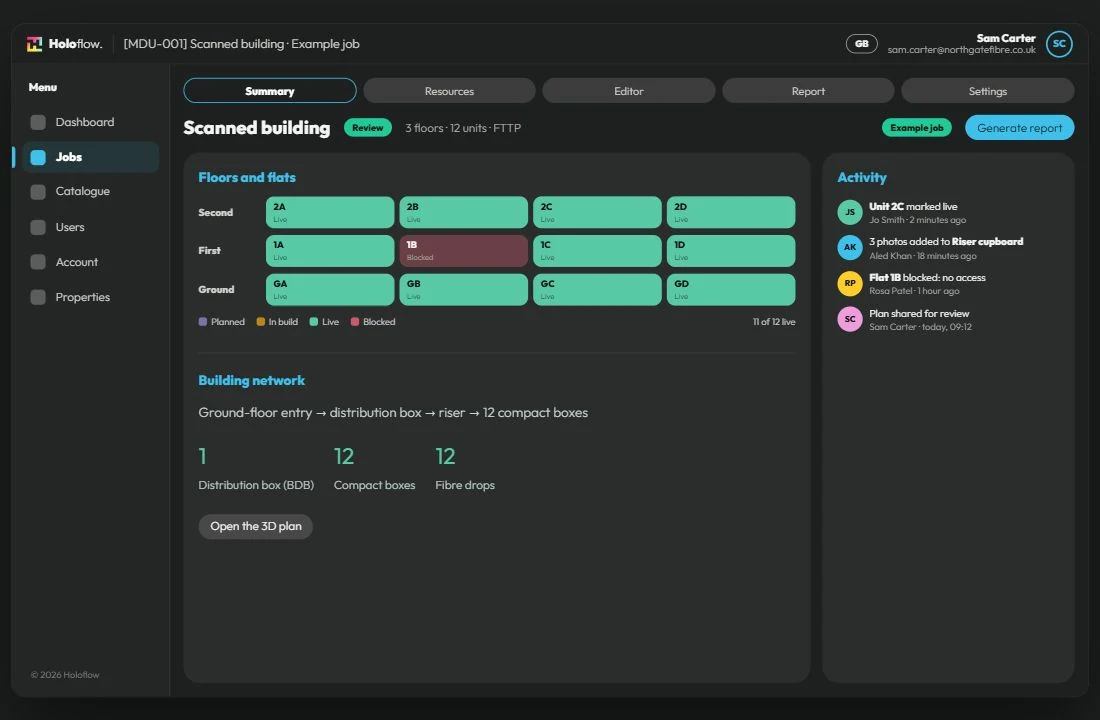
A status, dated photos and notes for every apartment, including the ones you couldn't reach and why.
A handover record with the customer's signature, in the format your state office or funder expects.
Scan the building with a supported iPhone or iPad with LiDAR, then plan risers, cabling and equipment in a browser-based 3D editor.
Each floor and unit has its own status and photos, so you can see progress across every building in a project area.
Send plans to property managers, engineers or subcontractors by review link.
Import location and job lists from a spreadsheet and add custom fields, such as your location IDs.
Generate handover reports in your own Word template, filled per job, exported as PDF and signed on site.
Holoflow hosts customer data in the UK and the EU today, on Microsoft Azure, and each organisation's records are stored in the region it was created in. If you need US hosting, talk to us about your requirements.
Use a focused walkthrough to test the workflow against the way your team delivers in-building fibre.
A stairwell, apartment block or mixed layout gives the conversation a useful starting point.
Show the fields, photos and report your delivery process needs.
Include someone from planning and someone from delivery, so both sides of the workflow can be explored.
Book a 30-minute walkthrough of a real building survey, plan and handover report. Bring your questions and tell us how your team works.
Book a demo